One of the big draws of Nevada for me was the nature, with the highest percentage of federally owned land (~85%) of the continental states, there is plenty to explore without limits. I've been enjoying dirtbiking on many of the trails solo and with friends, however my girlfriend is not too keen on trying some of the trails and wanted to see what I was up to. Plus, I wanted to have a video copy of every ride on my own computer without paying GoPro a subscription fee to hold my data.
Naturally, my innate need to put things online that don't really need to be was validated, and in this case I knew from the get-go what I wanted to try.
// The stack
- MediaMTX Two instances, one on my home computer, another on a VPS. MediaMTX allows for easy receiving and transmitting of video streams.
- Yggdrasil A decentralized IPV6 mesh network being used as a VPN in this scenario.
- GoPro HERO Readily available with lots of helmet mounting options, capable of RTMP streaming (all we need).
// Setup
I settled on two MediaMTX servers. One on my home computer which I stream RTMP to from my GoPro over 4G which is configured to use authentication and save copies of all streams. Another MediaMTX instance lives on a VPS which continuously rebroadcasts the stream from the first.
How is the connection managed? For that I used Yggdrasil for a private mesh, which basically functions like a VPN when set up like below. This allows the public-facing side of the stream, hosted on the VPS, to not expose anything to viewers about the origin MediaMTX server -- which is nice when it's your home PC.
To configure Yggdrasil for a private mesh, we want to clear out a few fields:
                # List of outbound peer connection strings (e.g. tls://a.b.c.d:e or
                # socks://a.b.c.d:e/f.g.h.i:j). Connection strings can contain options,
                # see https://yggdrasil-network.github.io/configurationref.html#peers.
                # Yggdrasil has no concept of bootstrap nodes - all network traffic
                # will transit peer connections. Therefore make sure to only peer with
                # nearby nodes that have good connectivity and low latency. Avoid adding
                # peers to this list from distant countries as this will worsen your
                # node's connectivity and performance considerably.
                Peers: ["tls://{Your other nodes}:{port}"]

                # List of connection strings for outbound peer connections in URI format,
                # arranged by source interface, e.g. { "eth0": [ "tls://a.b.c.d:e" ] }.
                # You should only use this option if your machine is multi-homed and you
                # want to establish outbound peer connections on different interfaces.
                # Otherwise you should use "Peers".
                InterfacePeers: {}

                # Configuration for which interfaces multicast peer discovery should be
                # enabled on. Regex is a regular expression which is matched against an
                # interface name, and interfaces use the first configuration that they
                # match against. Beacon controls whether or not your node advertises its
                # presence to others, whereas Listen controls whether or not your node
                # listens out for and tries to connect to other advertising nodes. See
                # https://yggdrasil-network.github.io/configurationref.html#multicastinterfaces
                # for more supported options.
                MulticastInterfaces: []

                # List of peer public keys to allow incoming peering connections
                # from. If left empty/undefined then all connections will be allowed
                # by default. This does not affect outgoing peerings, nor does it
                # affect link-local peers discovered via multicast.
                # WARNING: THIS IS NOT A FIREWALL and DOES NOT limit who can reach
                # open ports or services running on your machine!
                AllowedPublicKeys: ["{Your other nodes' public keys}"]
I also had to modify my Caddy install and configuration slightly for this. Caddy is great for automatic HTTPS provisioning, however the main version of it is only really for HTTP/HTTPS traffic. To get around this, I found Layer 4 to be a great addition to Caddy, requiring Caddy compilation with $ xcaddy build --with github.com/mholt/caddy-l4
With that, the change to the Caddy config is minimal:
              # Global options block for non-HTTP apps
              {
                layer4 {
                    # --- RTMP INGEST LISTENER ---
                    # This handles the GoPro stream.
                    :1935 {
                        route {
                            proxy {
                                upstream localhost:19350
                            }
                        }
                    }
                  }
              }
Now, we configure MediaMTX on the VPS to use our home computer as the source in mediamtx.yml:
              paths:
              yggdrasil/stream:
                source: RTMP://[{Your other node's Yggdrasil address}]:1935/
The MediaMTX server on the home computer should look something like this to record backups:
              # Record streams to disk.
              record: yes
              # Path of recording segments.
              # Extension is added automatically.
              # Available variables are %path (path name), %Y %m %d (year, month, day),
              # %H %M %S (hours, minutes, seconds), %f (microseconds), %z (time zone), %s (unix epoch).
              recordPath: /raid/recordings/%path/%Y-%m-%d_%H-%M-%S-%f
              # Format of recorded segments.
              # Available formats are "fmp4" (fragmented MP4) and "mpegts" (MPEG-TS).
              recordFormat: fmp4
              # fMP4 segments are concatenation of small MP4 files (parts), each with this duration.
              # MPEG-TS segments are concatenation of 188-bytes packets, flushed to disk with this period.
              # When a system failure occurs, the last part gets lost.
              # Therefore, the part duration is equal to the RPO (recovery point objective).
              recordPartDuration: 1s
              # This prevents RAM exhaustion.
              recordMaxPartSize: 50M
              # Minimum duration of each segment.
              recordSegmentDuration: 1h
              # Delete segments after this timespan.
              # Set to 0s to disable automatic deletion.
              recordDeleteAfter: 0s
// Pictures
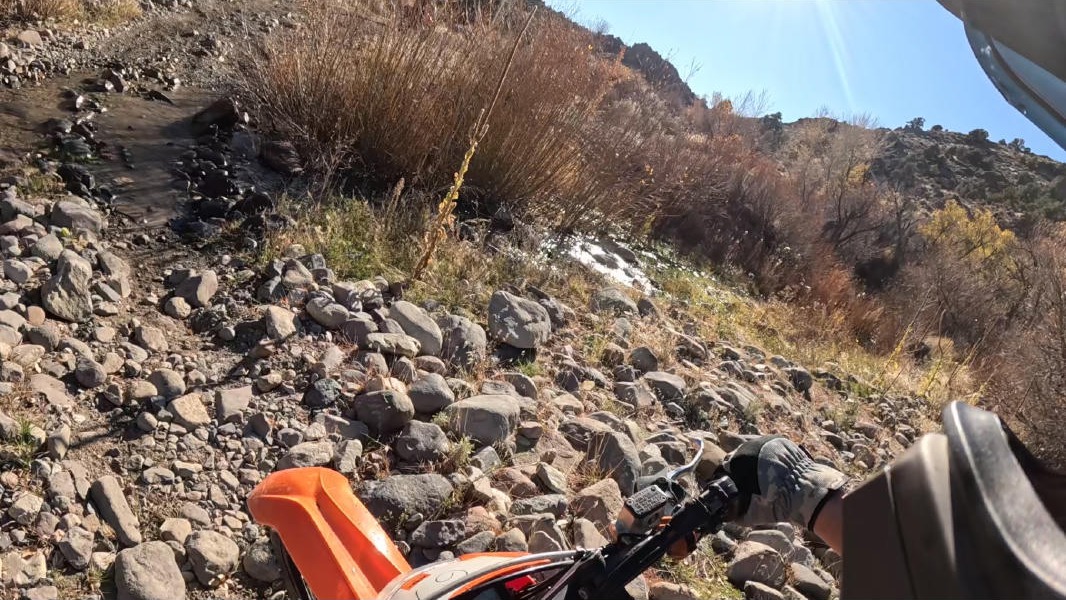
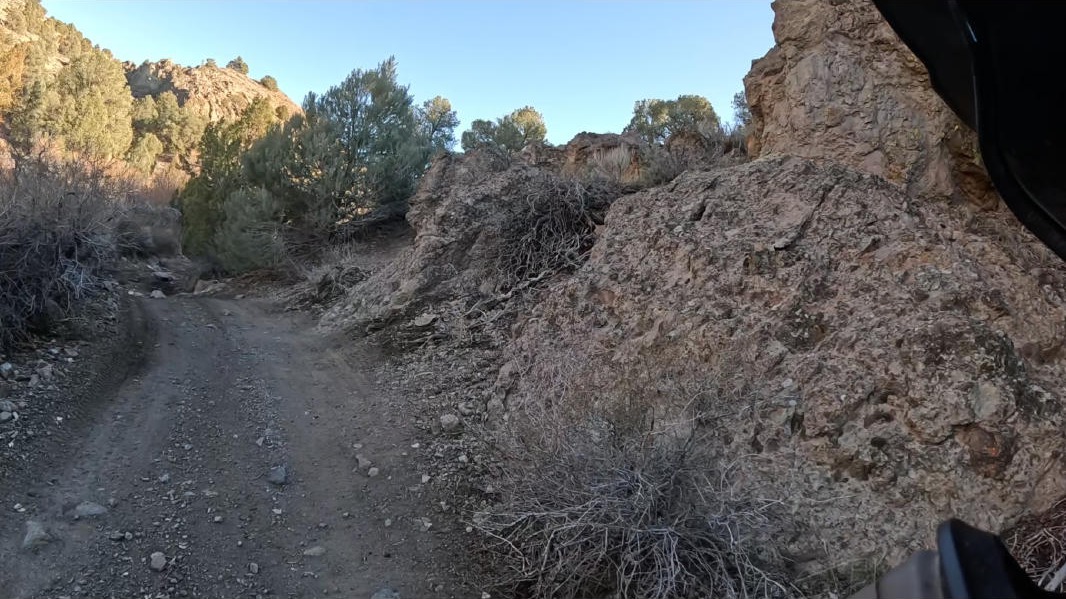
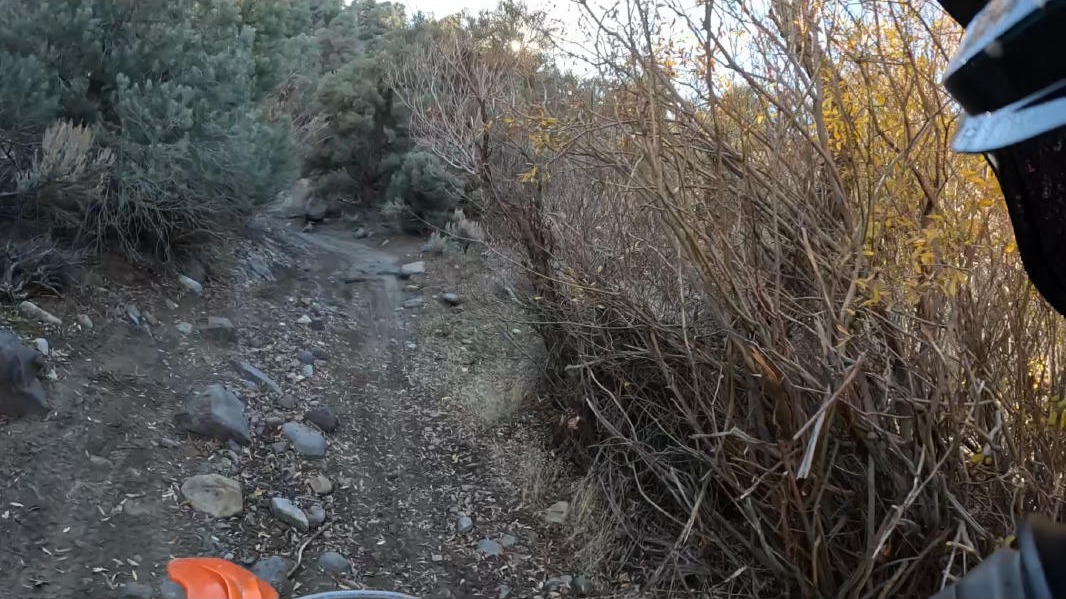
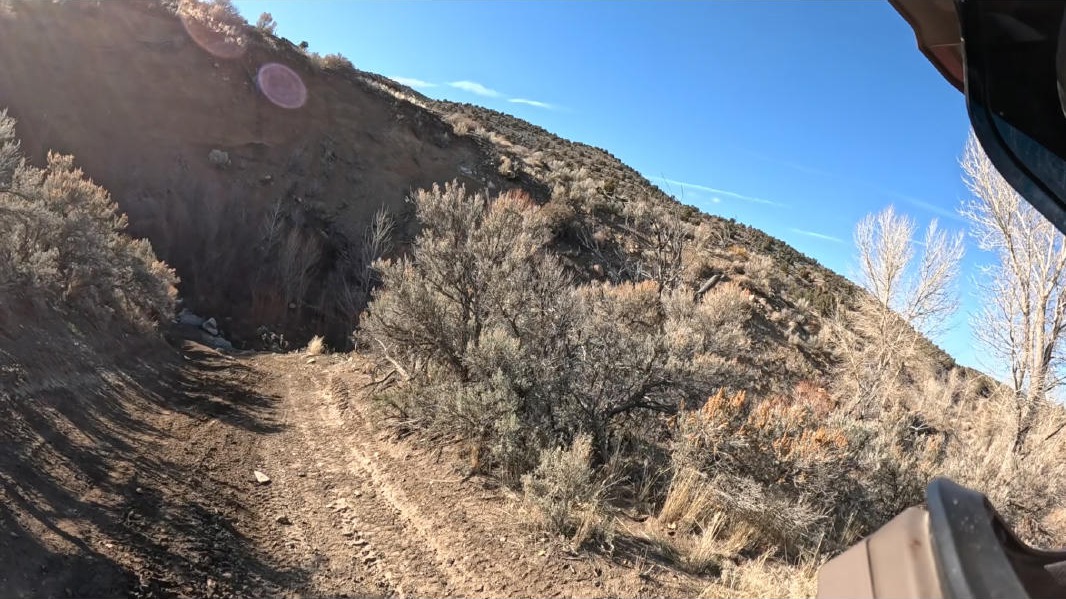
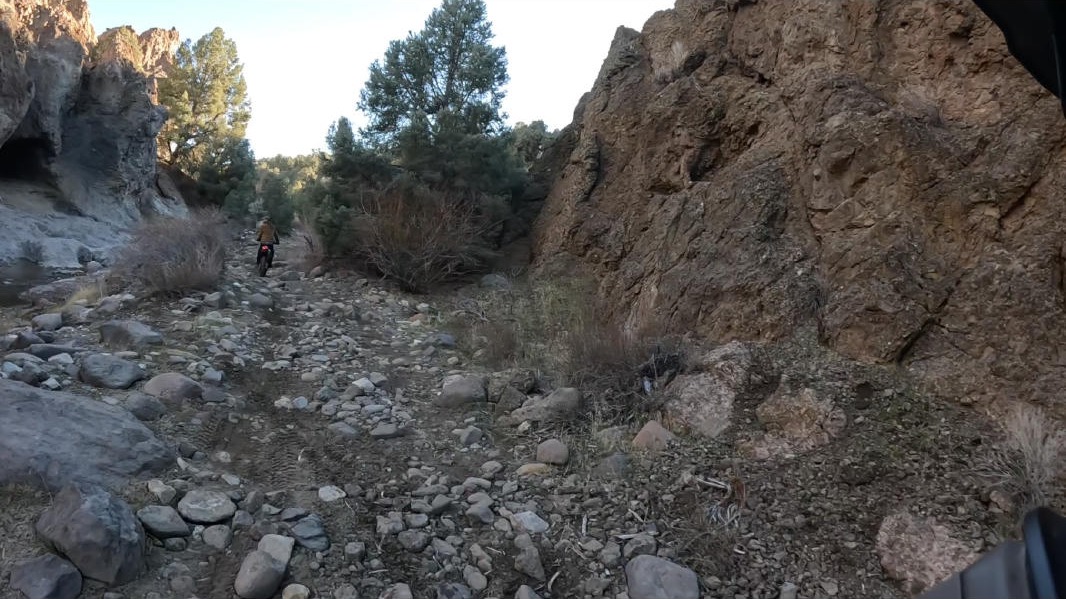
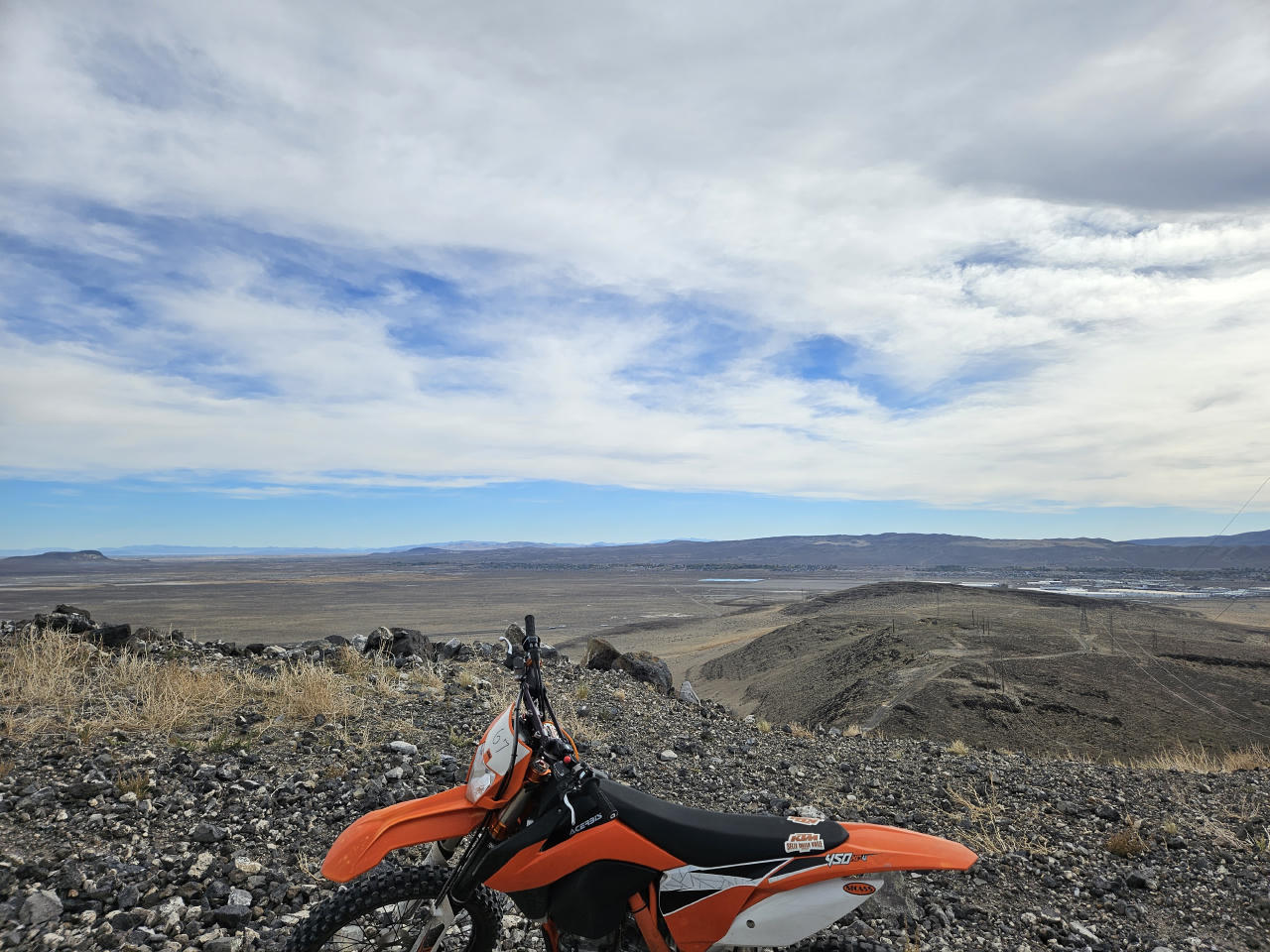
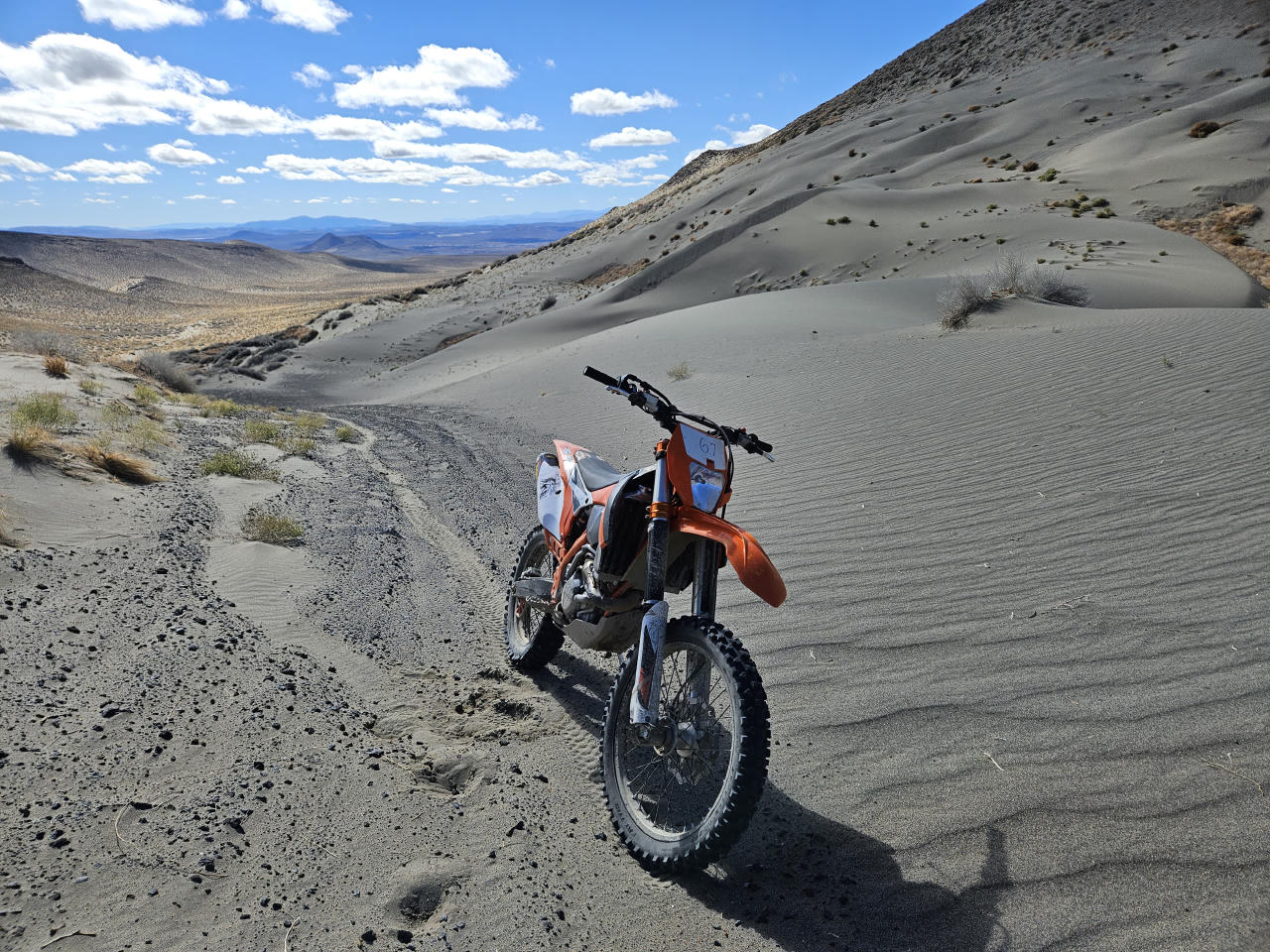
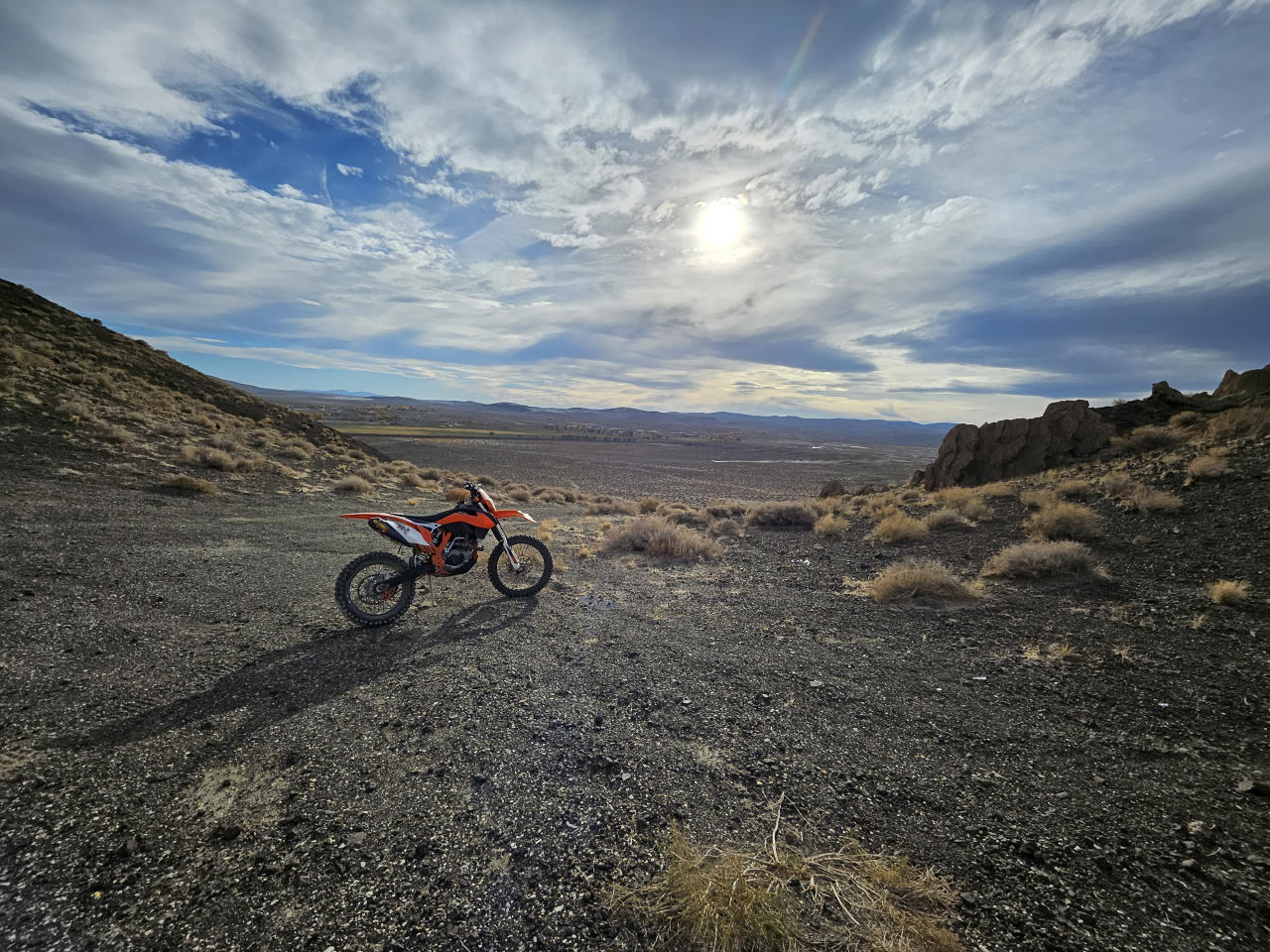
Enough boring stuff, here's some pictures
|
|
|
|
|
|
|
|
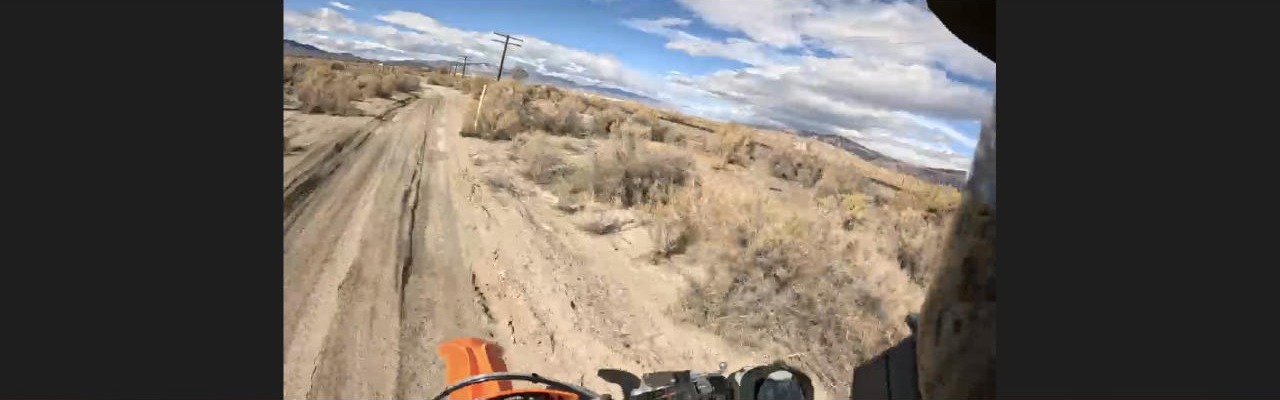
Various pictures, last one showing what the stream looks like for viewers. |
|